

Introduction
This section shows how to aggregate a client’s positions across multiple brokers and custodians and reporting on their performances.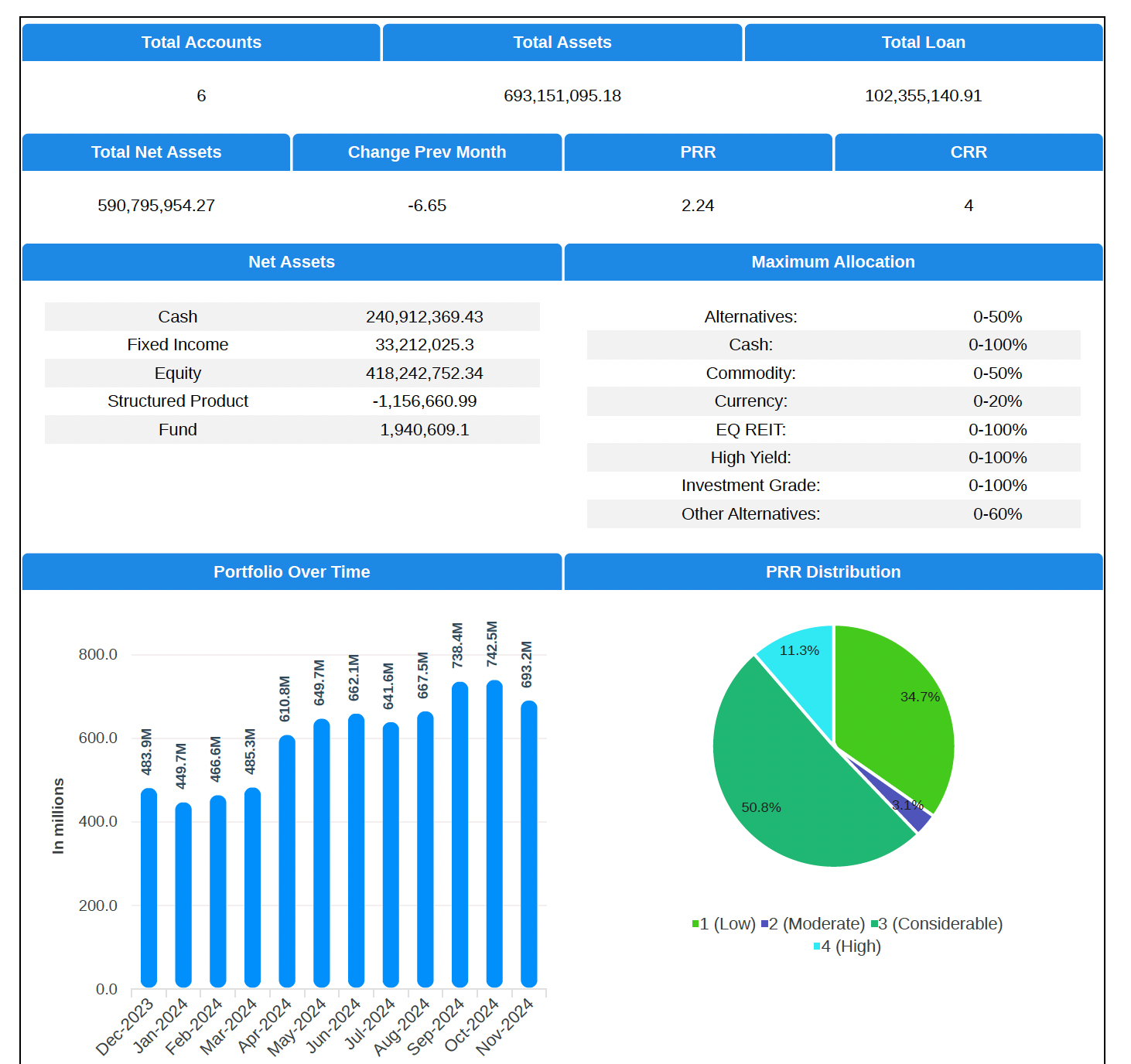
Holdings and Transactions
Obtaining holdings and transactions data is the key to providing proper client reporting. This is normally a difficult process because the data received from brokers and custodians are not standardised and it is necessary format the data for the system.Please contact us if would like us to help you automate the retrieval and standardisation of your statements.
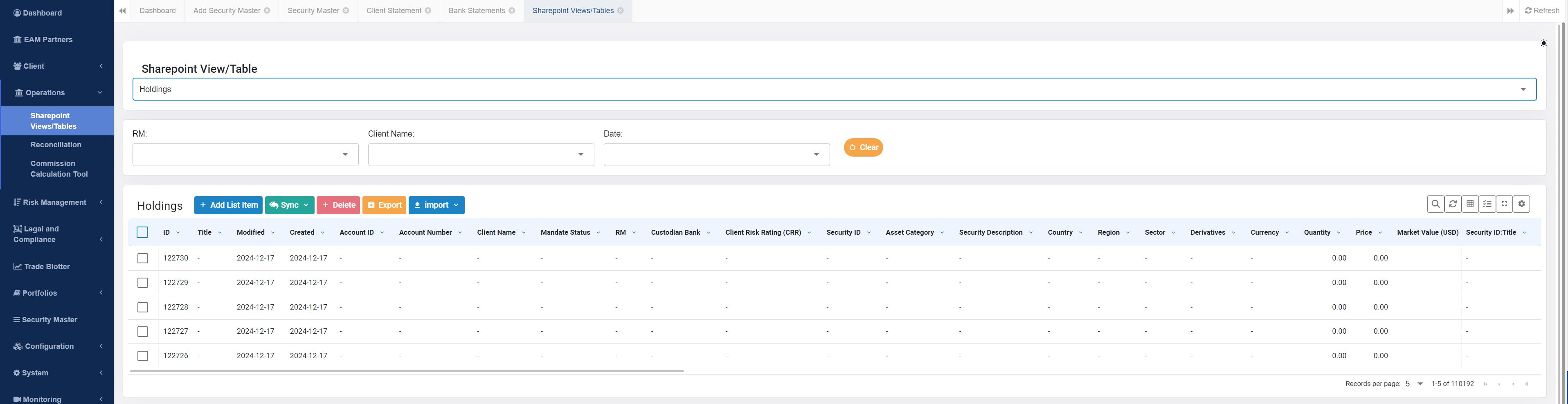
Tables also allow you to edit the table held in the system directly.
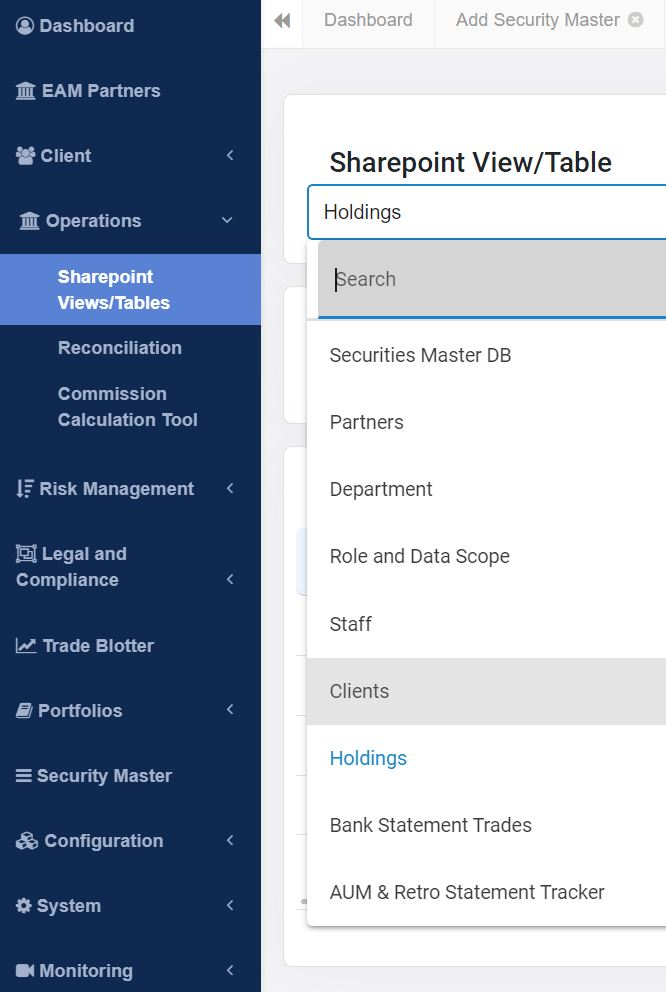
View of tables
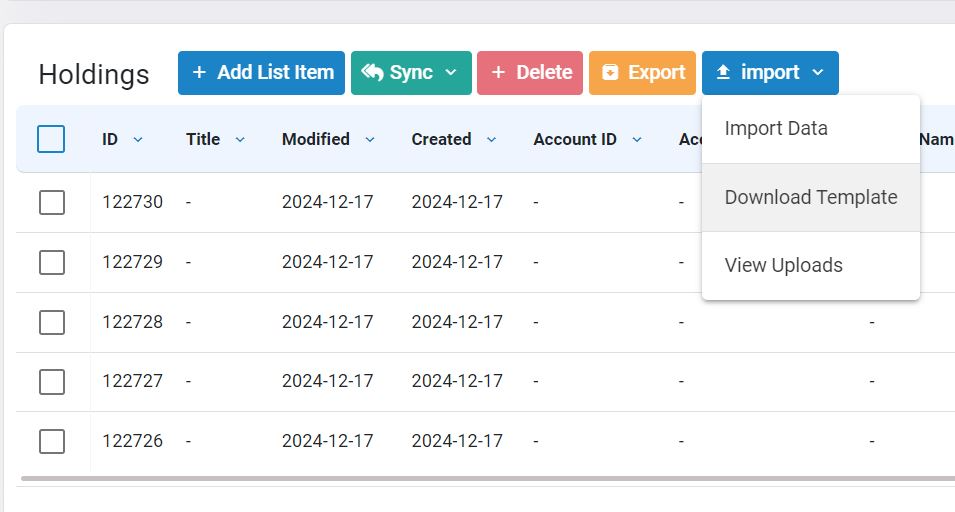
When performing a bulk upload, be sure to use the provided template, which is available in excel format.
Client Statements
Navigate to the ‘Client Statement’ item of the sidebar. Select the client and date range to generate the client statement form.
